
Quotes
Price the property from square footage, age, foundation, travel, pool, weekend, and the extras you already ask about. Quotes save with no signal, too.
Quotes, contracts, schedule, and reports — built for home inspectors.
For inspectors · InterNACHI / CREIA / NAHI SOP
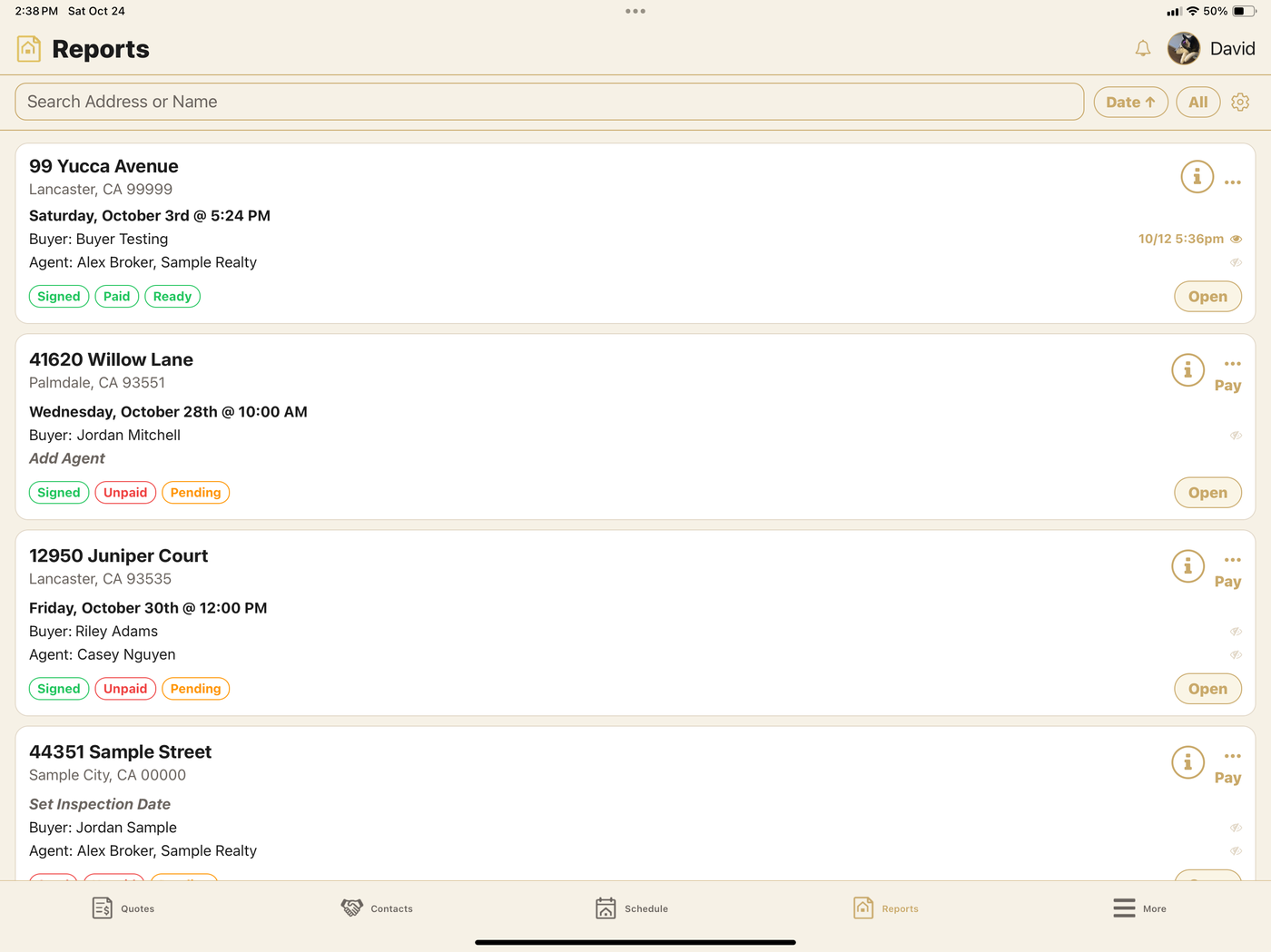
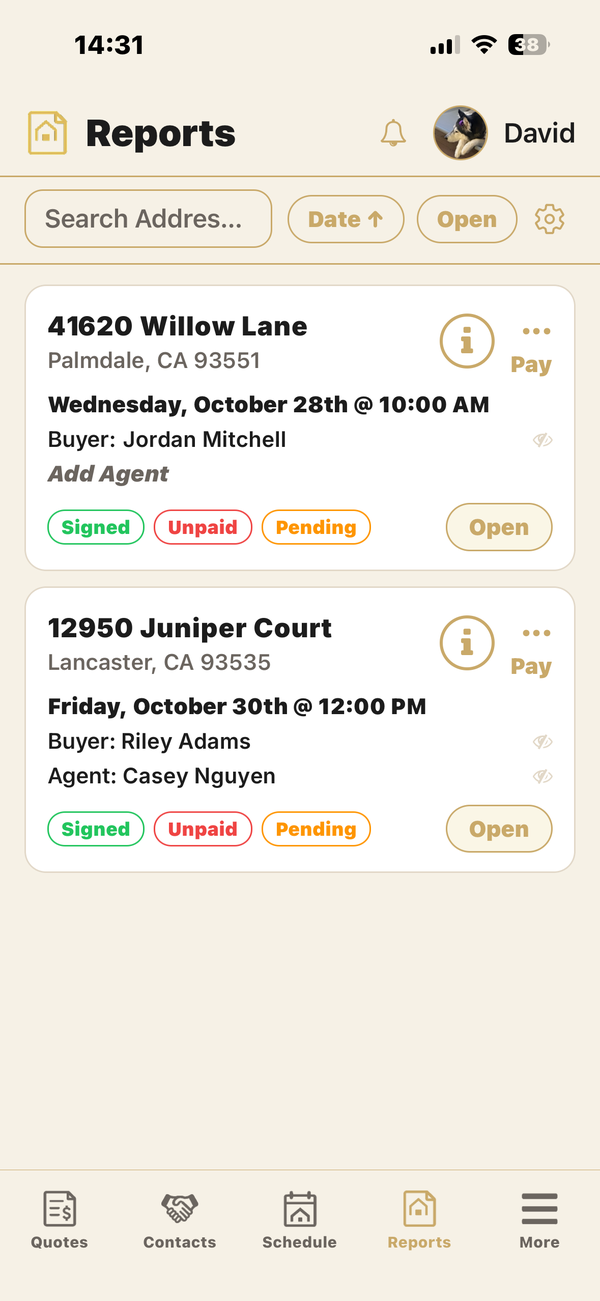
One place for the job — from the first number to the finished report.
Price the property from square footage, age, foundation, travel, pool, weekend, and the extras you already ask about. Quotes save with no signal, too.
Email the inspection agreement from the quote. The client reads it and signs in the browser — no print, no chase — and you get an alert when it's signed.
List, Day, Week and Month views. Open times allow for your drive and your close time. Google Calendar sync, a calendar feed for Google or Apple, and Time to leave alerts.
Clients request a quote and book one of your open times online. You get an alert for each quote request, booking and appointment request.
Start from InterNACHI, CREIA or NAHI, or build your own. Your sections, order, comments, severities and hidden fields carry into every new report.
Close-up and location photos with your arrows and circles, cover and roof photos, and paste straight in from FLIR, Photos or Messages.
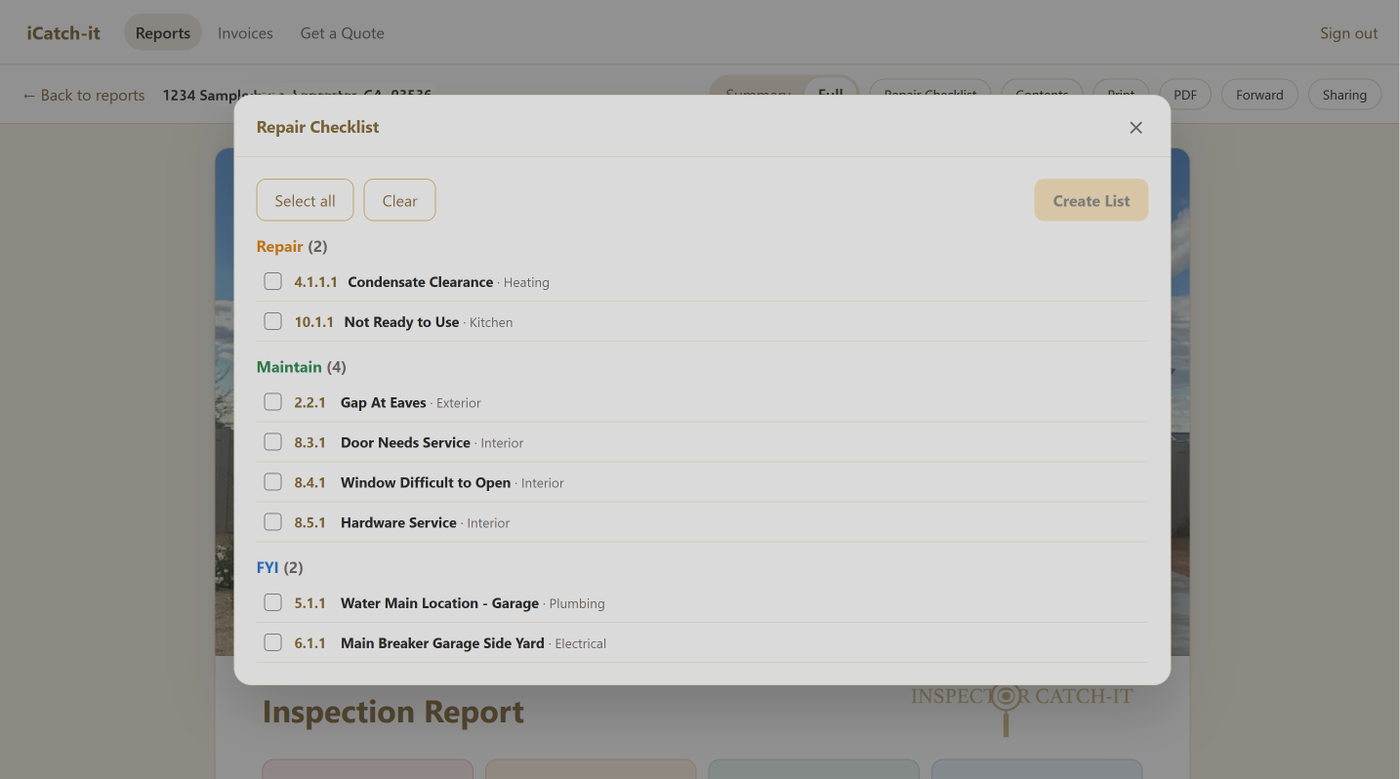
Every finding is Safety, Repair, Maintain or FYI, with colored counts at the top of the report. Tap a count to see just those items.
Mark a section Not inspected and say why. The report shows it under the section name, for example "Not inspected, no power to the home."
Before you upload, the app flags styles and materials you haven't answered, and Go to it takes you straight there.
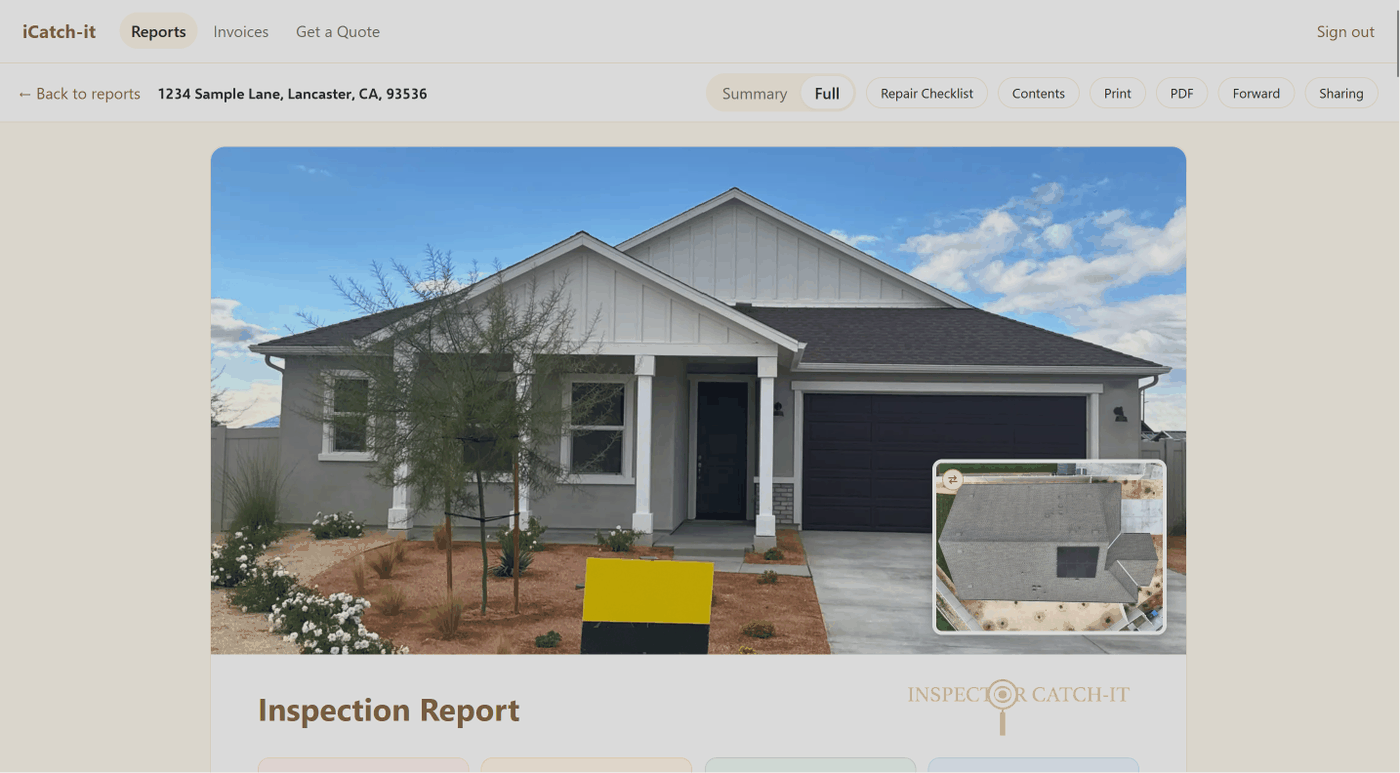
See the finished report on the phone, even offline, in the same design your clients see. Share it as a PDF or by AirDrop.
Upload with a progress ring and automatic retries. Each Upload saves a numbered copy of the report. Email it to the client from the job, sent under your company name.
Collect in Square through your own Square account, or mark a job paid by cash, check, invoice or Zelle. The invoice is part of the report.
Save any report as a named sample with a fake client and street and photo location data removed. Choose which sample is public on your website.
Inspections, your template, Preview and quotes keep working offline. Your changes stay on the phone and go up with your next Upload.
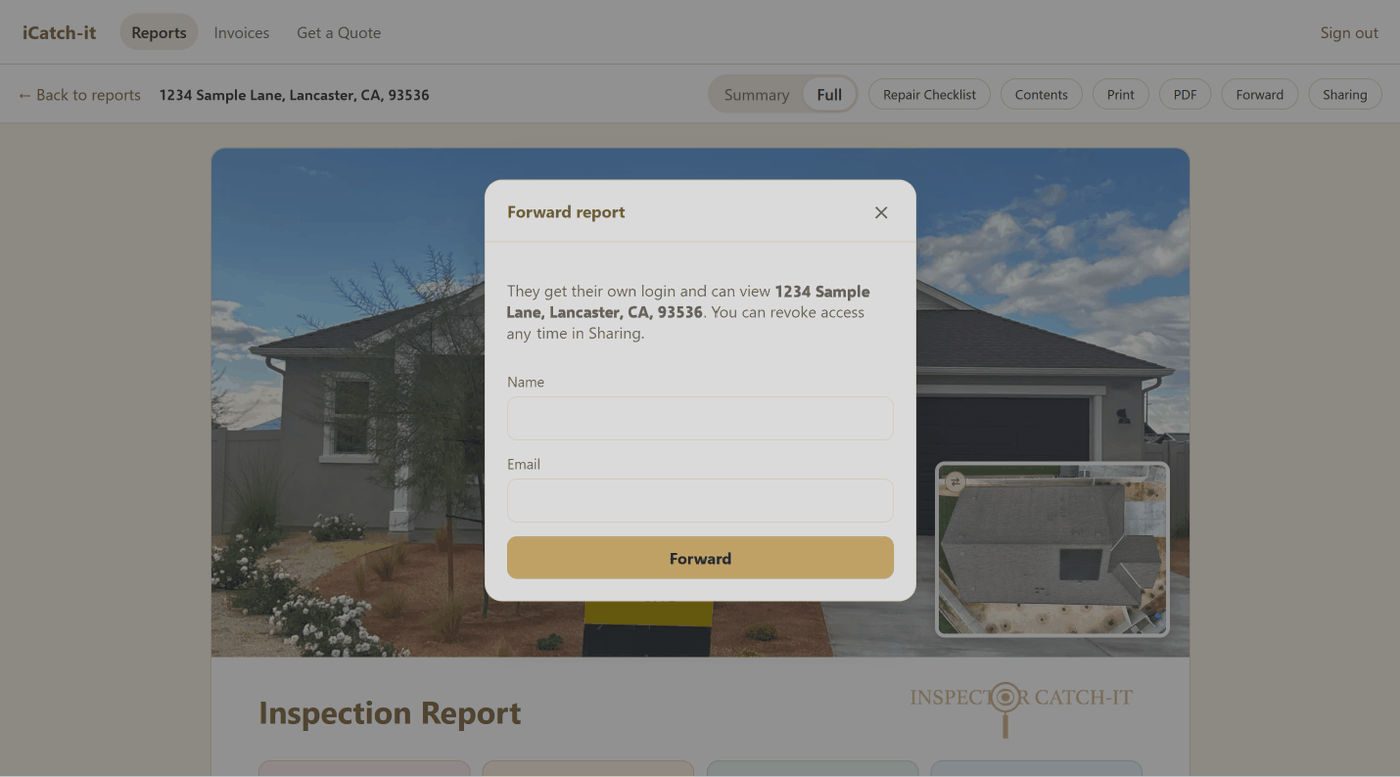
Know when a report is viewed, forwarded or downloaded, when an agreement is signed, and when a quote, booking or report request comes in.
Four steps. The same job, start to finish.
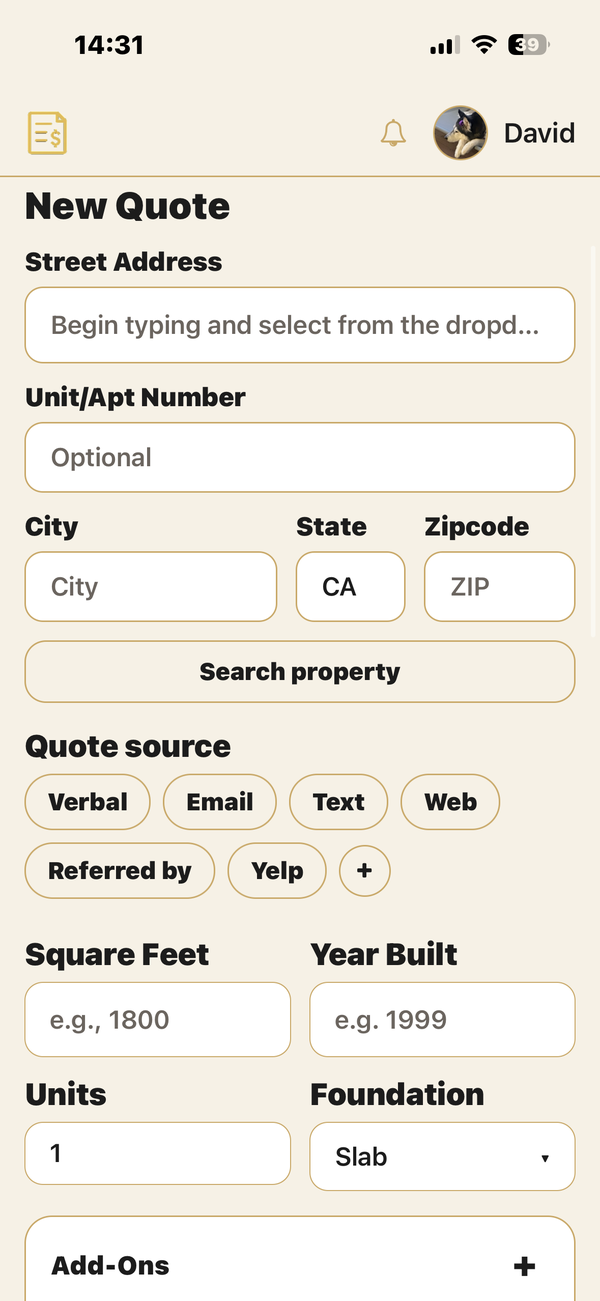
Enter the property. iCatch-it™ builds the fee from your rates — size, age, travel, pool, weekend, and the rest.
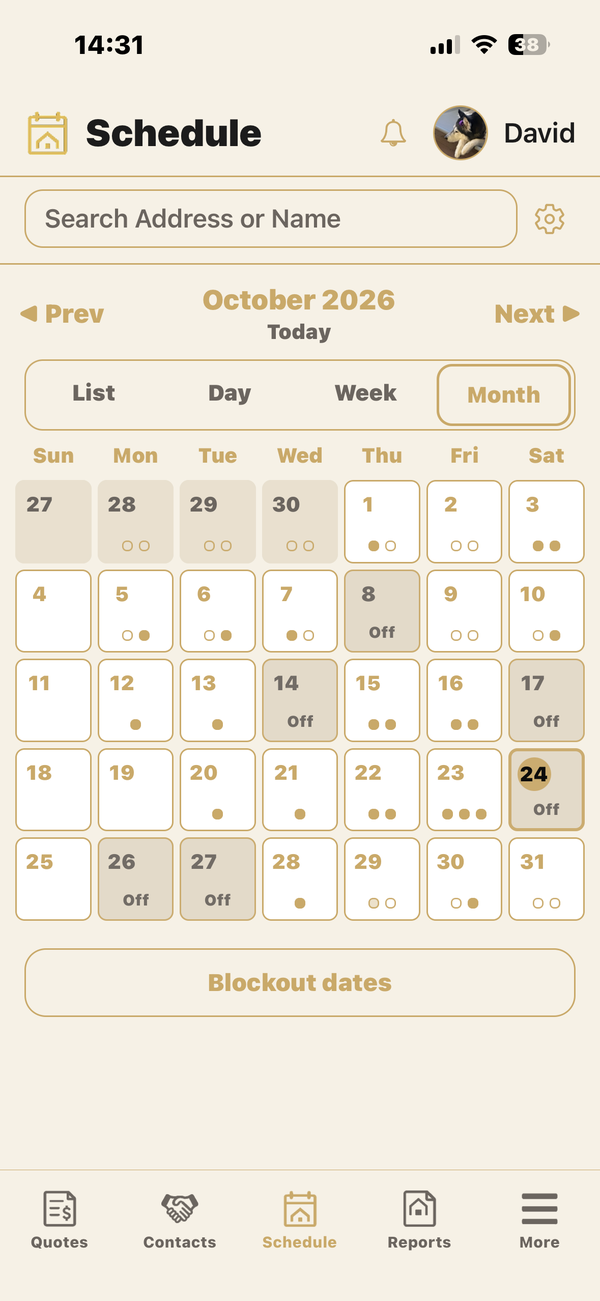
Pick the time and send the agreement. Buyer and co-buyer sign on their phone before you roll up.
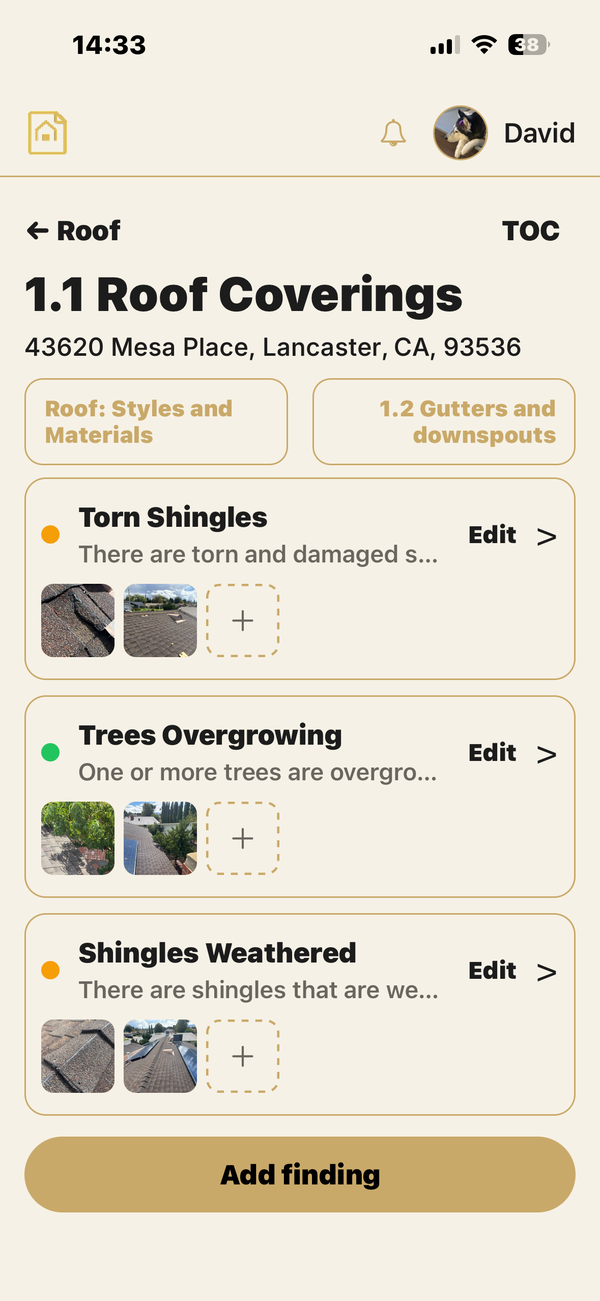
Walk the home, write findings, and attach photos in the same job. Nothing to retype later.
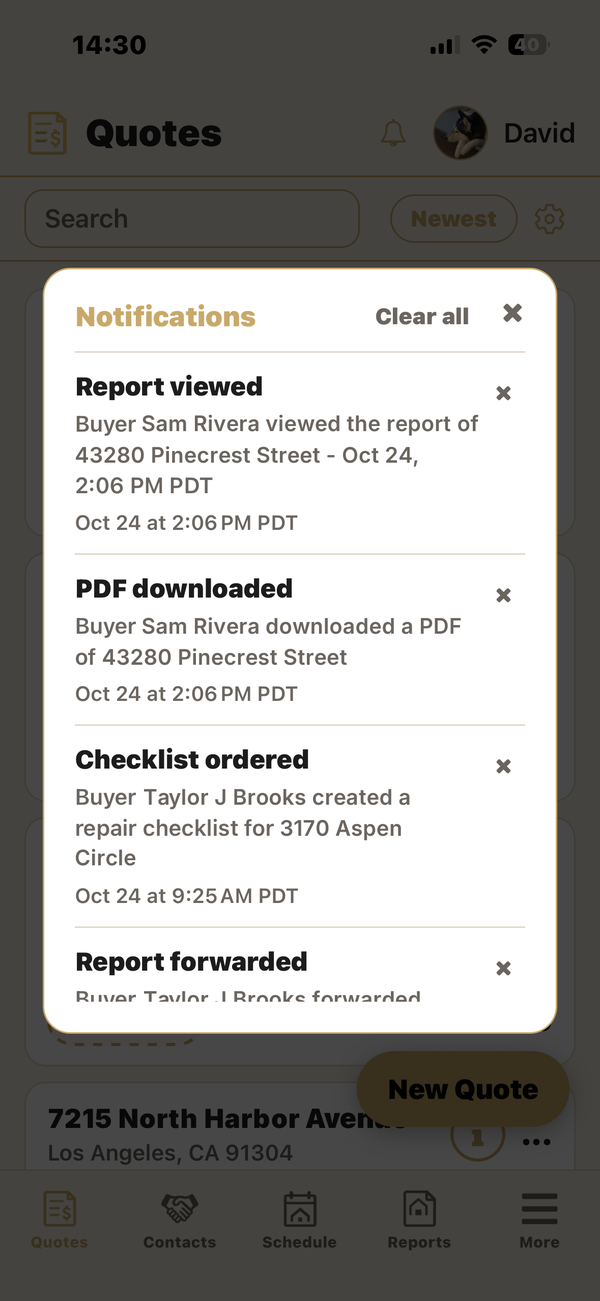
Send the finished report to the client from the job. Files or email, one tap.
The same iCatch-it™ app, on the screen you carry.
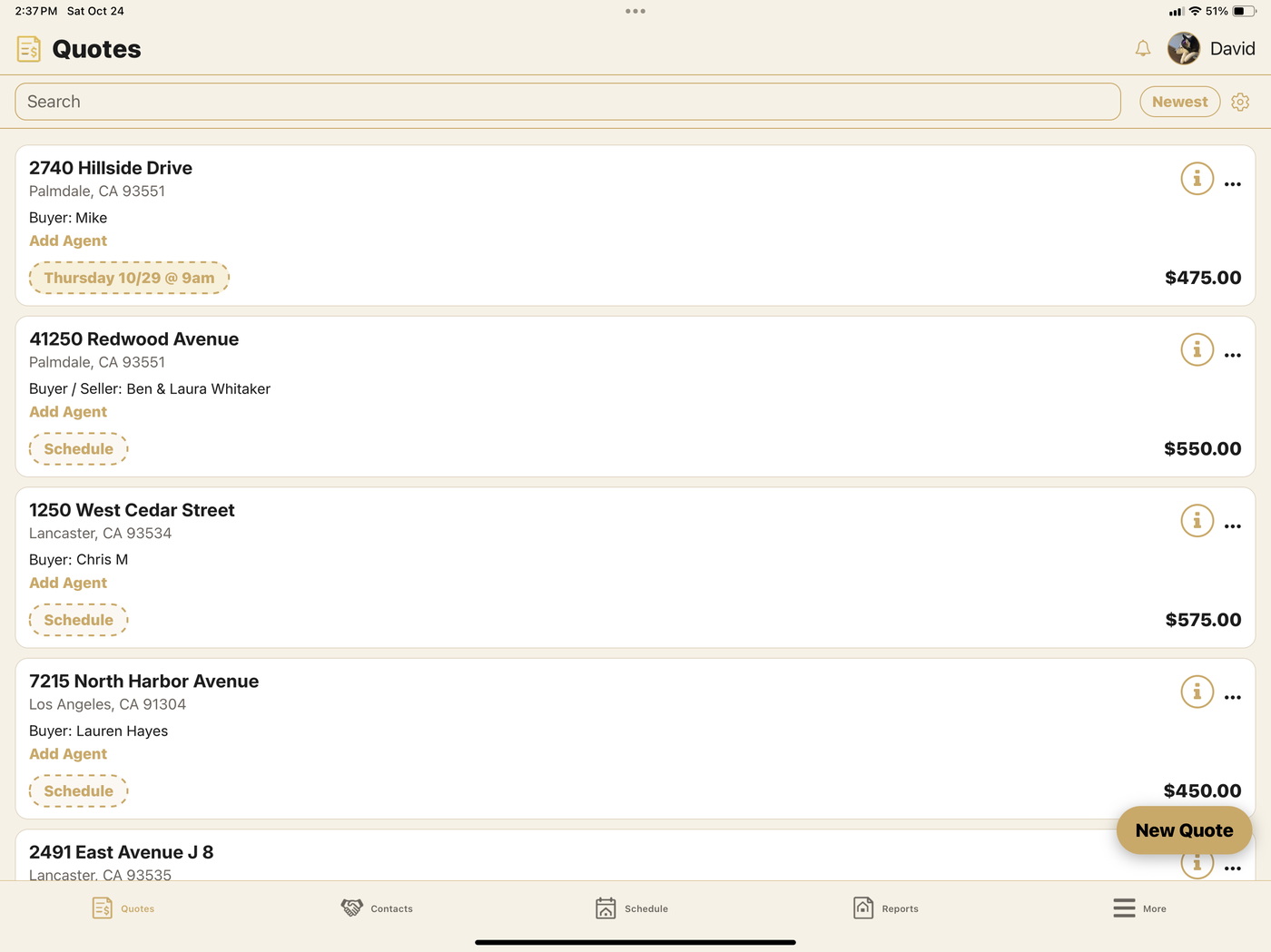
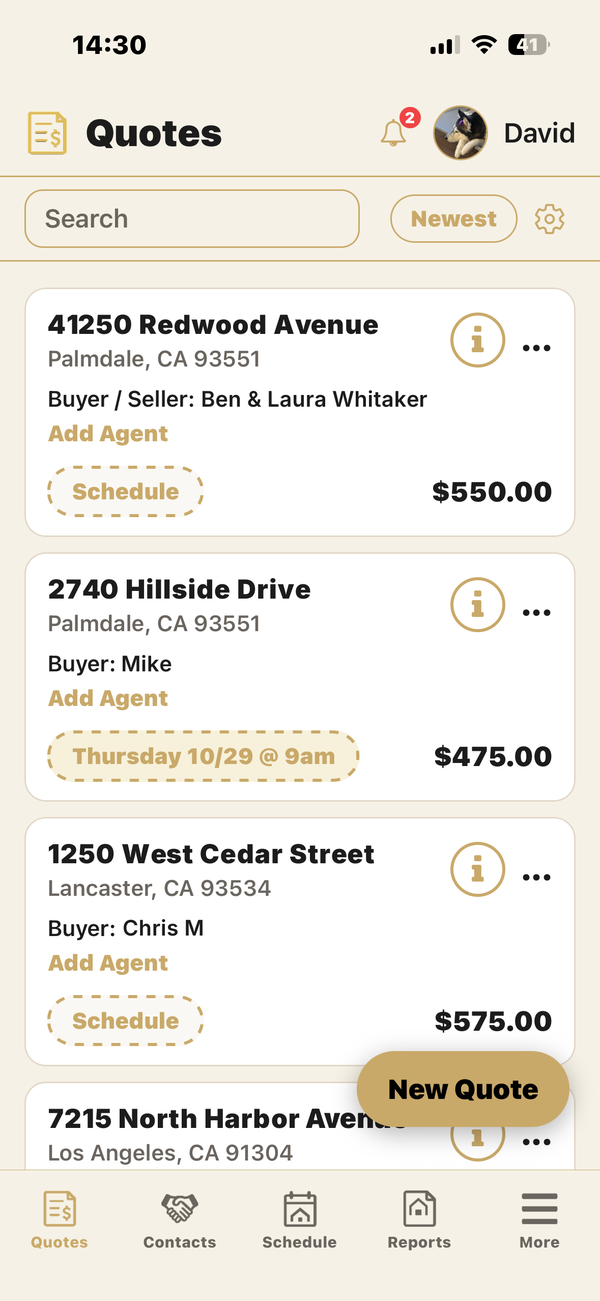
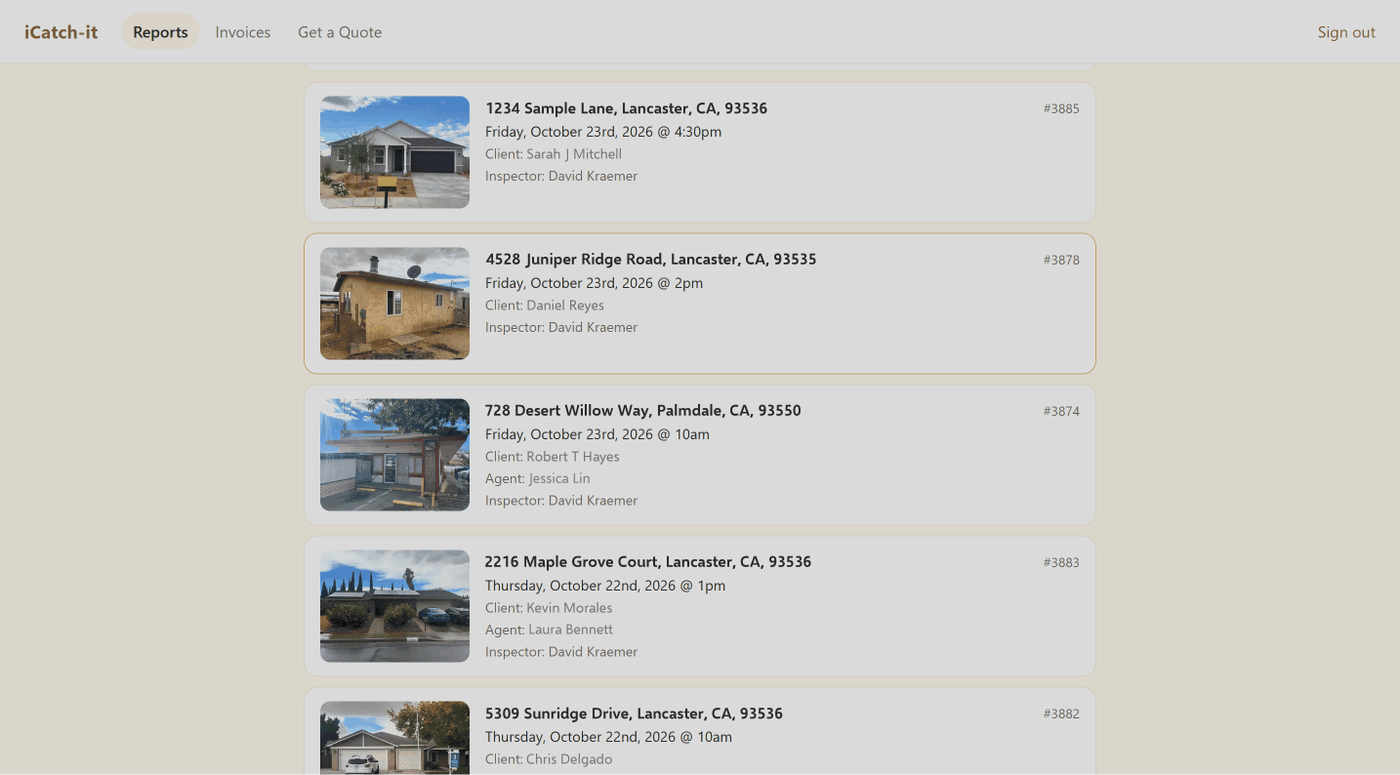
Your clients and their agents sign in on the web to read the reports you send.
Pick a monthly plan, pay for 3, 6 or 12 months up front, or pay per report.
Free
Free Trial: your first 5 reports free, no time limit to use them.
$29/mo
5 Monthly Reports
3 mo $72 · 6 mo $114 · 12 mo $168
Save $180 with Annual!
$39/mo
10 Monthly Reports
3 mo $102 · 6 mo $174 · 12 mo $288
Save $180 with Annual!
$59/mo
Unlimited Monthly Reports
3 mo $162 · 6 mo $294 · 12 mo $528
Save $180 with Annual!
$79/mo
3 mo $222 · 6 mo $414 · 12 mo $768
Save $180 with Annual!
$9 each
Pay as you go
*When Agents and clients share multiple iCatch-it™ Inspectors, they can request quotes from all iCatch-it™ Pro-level inspectors at once and compare prices before booking.
Only new report downloads or sends count toward your plan. Saving a report never counts, and past reports stay available. Unused monthly reports do not roll over. Secure checkout by Square.
iCatch-it™ is in private rollout for home inspectors. Leave your name and we will email you when it launches.